Authentication
Configure how Signoff Studio authenticates each request.
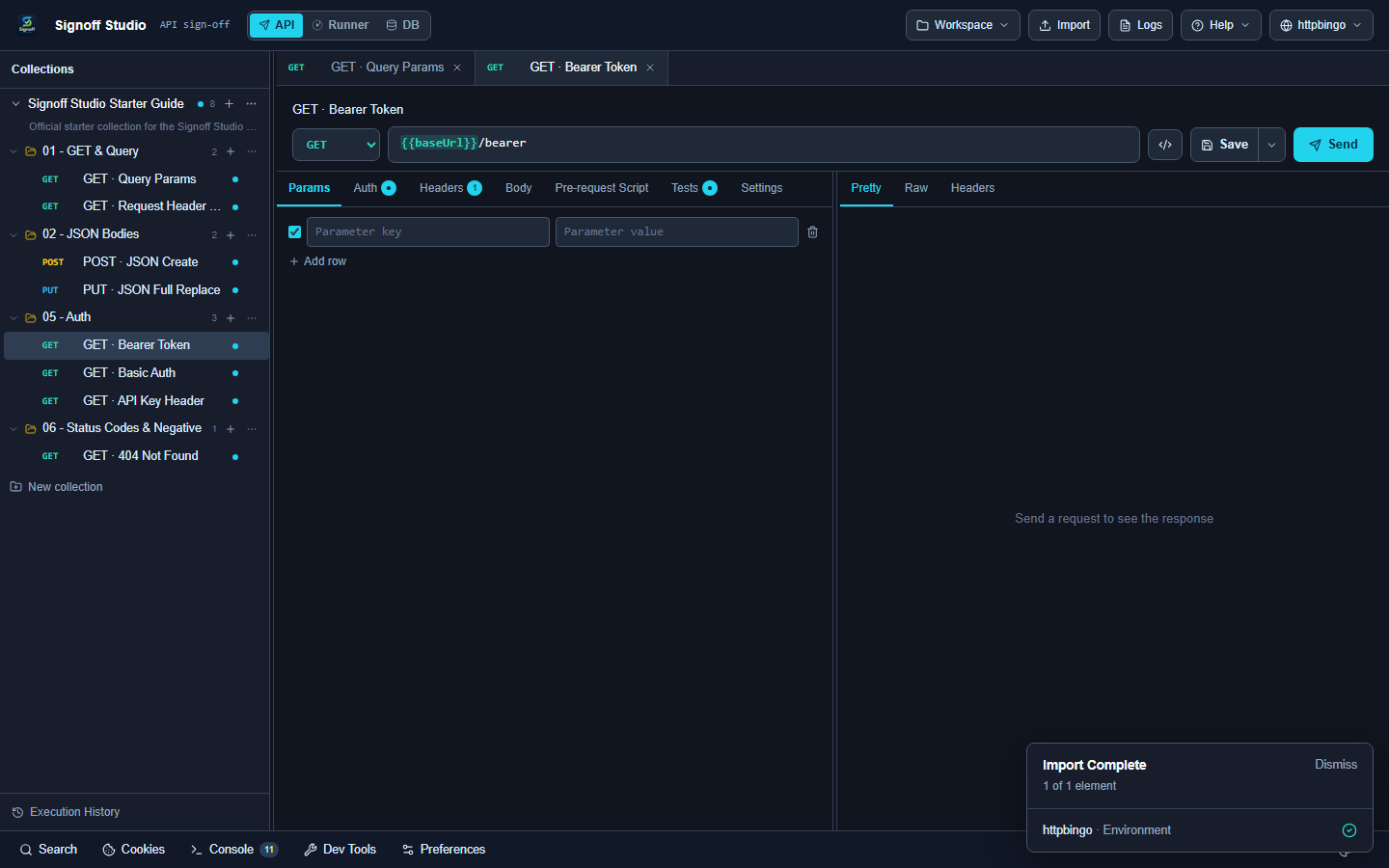
Set auth on a request
- Open a request.
- Go to the Auth tab.
- Choose a type and fill the fields.
Supported types
| Type | Typical use |
|---|---|
| No auth | Public endpoints |
| Inherit from parent | Use collection/folder auth |
| Bearer token | |
| Basic auth | Username + password |
| API key | Header or query key |
| OAuth 2.0 / OAuth 1.0 | Token flows |
| Digest / AWS / NTLM / Hawk / Custom | Specialized protocols |
Try it with the Starter Guide
Bearer
- Open 05 - Auth → GET · Bearer Token.
- Auth type is Bearer token with
.{{bearerToken}} - Send — expect
.authenticated: true
Basic
- Open GET · Basic Auth.
- Uses
/{{basicUser}}
from the httpbingo environment.{{basicPass}} - Send.
API key
- Open GET · API Key Header.
- Confirm the key name/value variables.
- Send.
Tips
- Prefer environment variables for secrets instead of hard-coding tokens.
- Pair with Tests to assert
or status codes.authenticated
Next
Need something else? See the FAQ. Questions: [email protected]. Bugs: [email protected].