Database workbench
Validate data with SQL alongside your API sign-off.
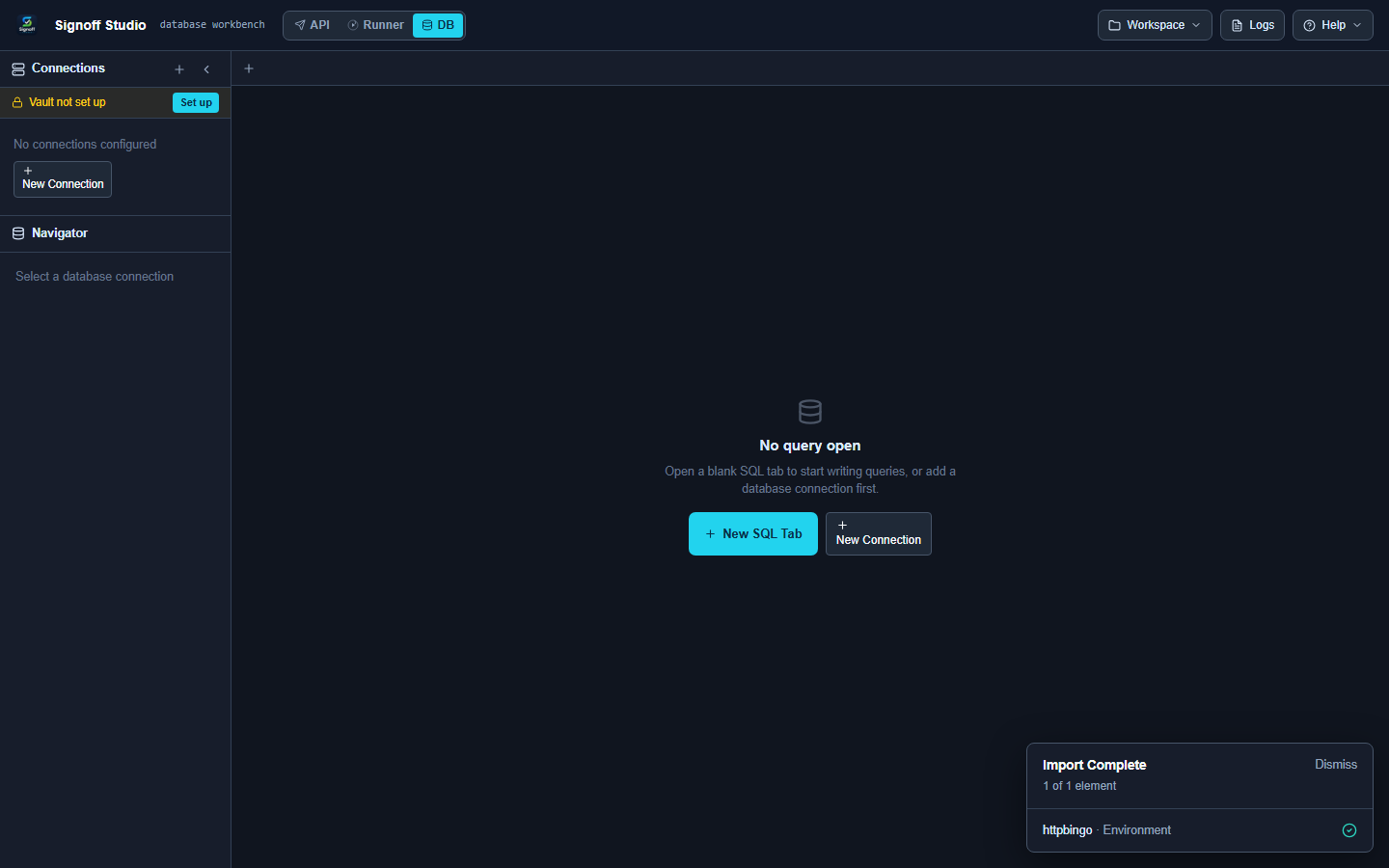
Open DB mode
Click DB in the top bar.
Add a connection
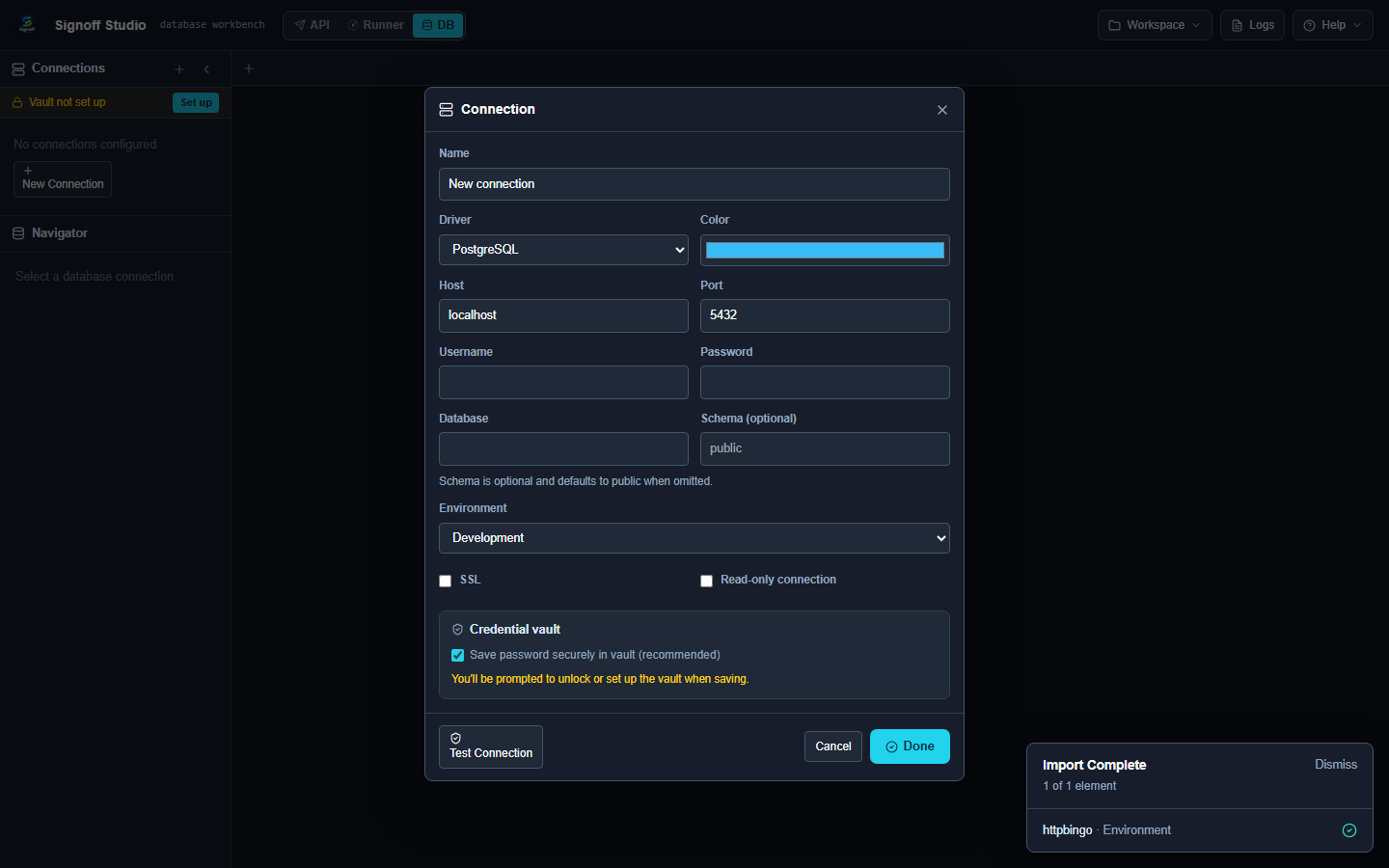
- Click + New Connection.
- Choose a Driver:
- Sample catalog
- PostgreSQL
- MySQL
- SQL Server
- Oracle
- SQLite
- Fill host, port, username, password, database.
- Set Environment (Local → Production) and optional SSL / Read-only.
- Keep Save password securely in vault when available.
- Click Test Connection, then Done.
Run SQL
- Click + New SQL Tab.
- Write a query.
- Run with Ctrl+Enter (or Ctrl+Shift+Enter for run all).
Safety
Prefer Read-only connections and non-Production environment tags while exploring. Destructive SQL against Production may prompt for confirmation.
Next
Need something else? See the FAQ. Questions: [email protected]. Bugs: [email protected].