Workspaces
A workspace is a folder on disk that holds collections, environments, runner plans, and database connection metadata — ready for Git.
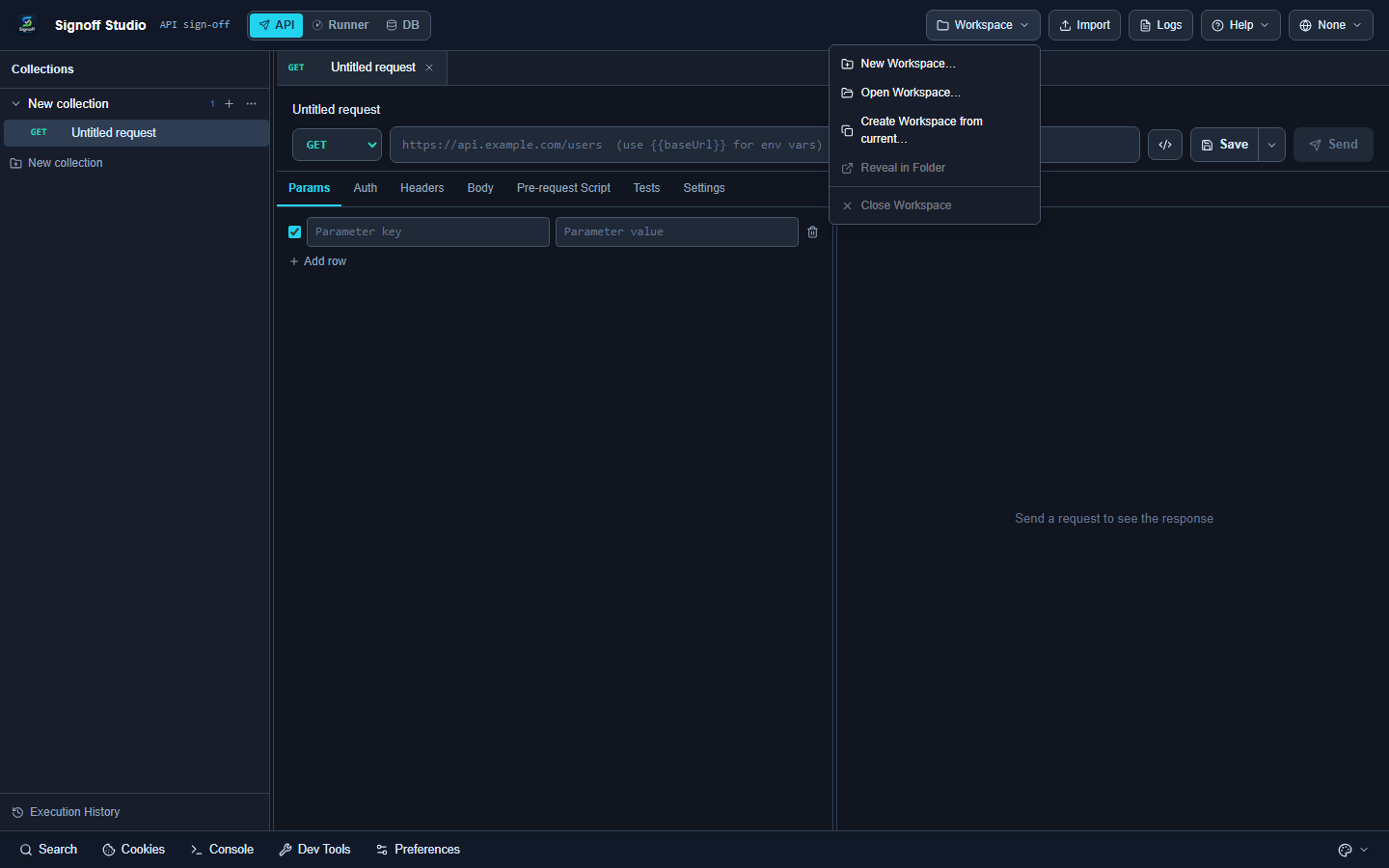
Open the menu
Click Workspace in the top bar.
| Action | Purpose |
|---|---|
| New Workspace… | Create a new folder workspace |
| Open Workspace… | Open an existing workspace folder |
| Create Workspace from current… | Save in-memory work as a folder |
| Reveal in Folder | Show the folder on disk |
| Close Workspace | Detach the folder workspace |
Tooltip: Local-first workspace (Git-friendly folder). Changes are kept automatically.
There is no separate “Save workspace” button — edits persist as you work.
Typical layout
my-workspace/
├── signoff-workspace.json
├── collections/
├── environments/
├── runner/plans/
└── database/
Next
Need something else? See the FAQ. Questions: [email protected]. Bugs: [email protected].