Import & export
Bring existing work into Signoff Studio, or share Signoff-native files.
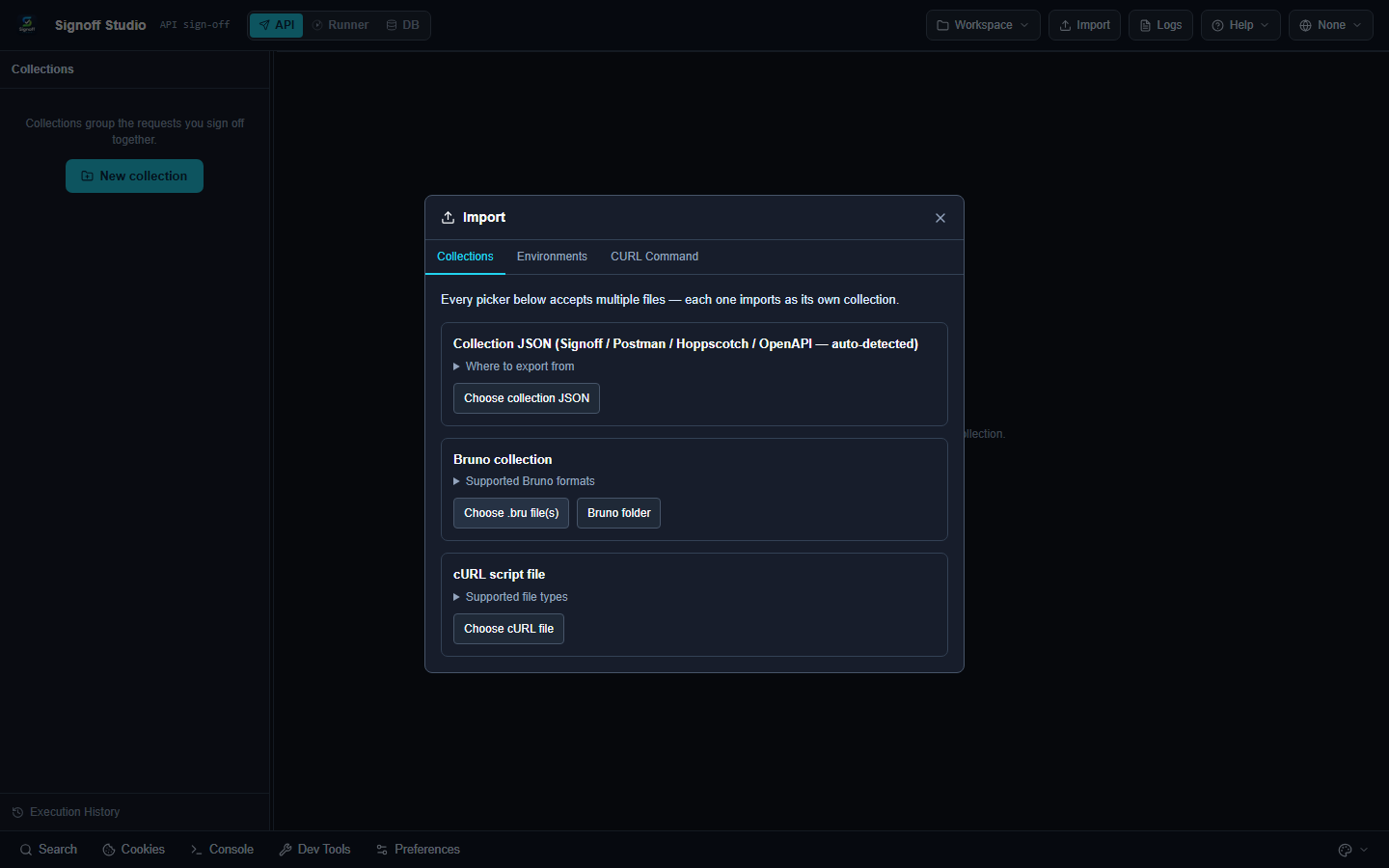
Import a collection
- Click Import (API mode).
- On Collections, pick one of:
| Source | Action |
|---|---|
| Signoff / Postman / Hoppscotch / OpenAPI JSON | Choose collection JSON |
| Bruno | Choose .bru file(s) or Bruno folder |
| cURL script file | Choose cURL file |
Multiple files are supported — each becomes its own collection.
Docs demo
Import signoff-studio-starter.signoff.json as shown in Quick Start.
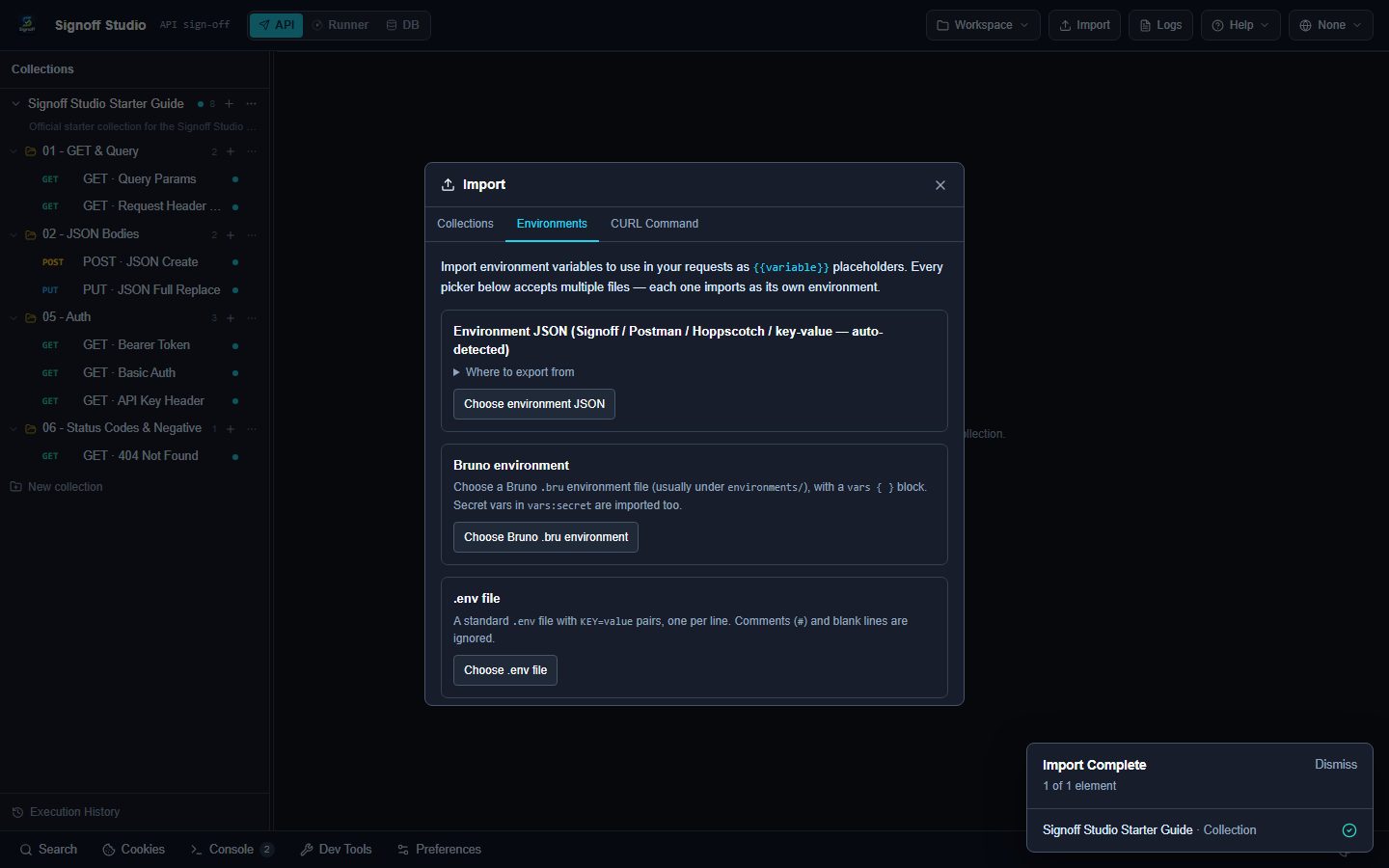
Import an environment
- Import → Environments.
- Choose a Signoff / Postman / Hoppscotch environment export.
Paste cURL
- Import → CURL Command.
- Paste a full
command.curl … - Click Import as request.
Invalid pastes (not starting with
curlExport
Export writes Signoff-native portable files:
- Collection →
(*.signoff.json
)signoff.studio/collection/v1 - Environment →
(*.signoff.env.json
)signoff.studio/environment/v1
Foreign formats are import on-ramps, not export targets.
Next
Need something else? See the FAQ. Questions: [email protected]. Bugs: [email protected].