Environments & variables
Environments store values you reuse across requests — base URLs, tokens, fixtures — and inject them with
{{name}}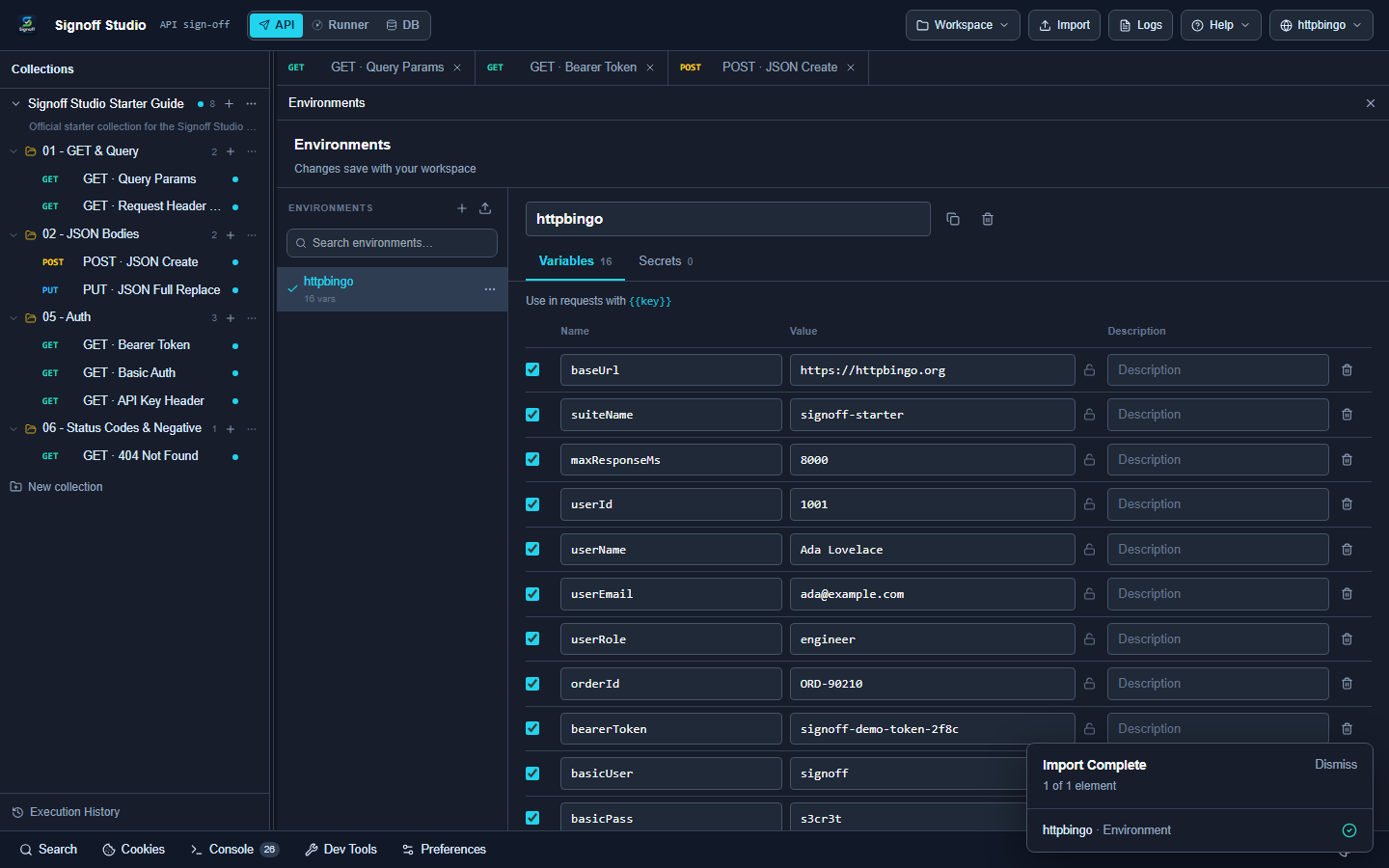
Select an environment
- Click the globe control in the top bar.
- Pick an environment (for docs: httpbingo).
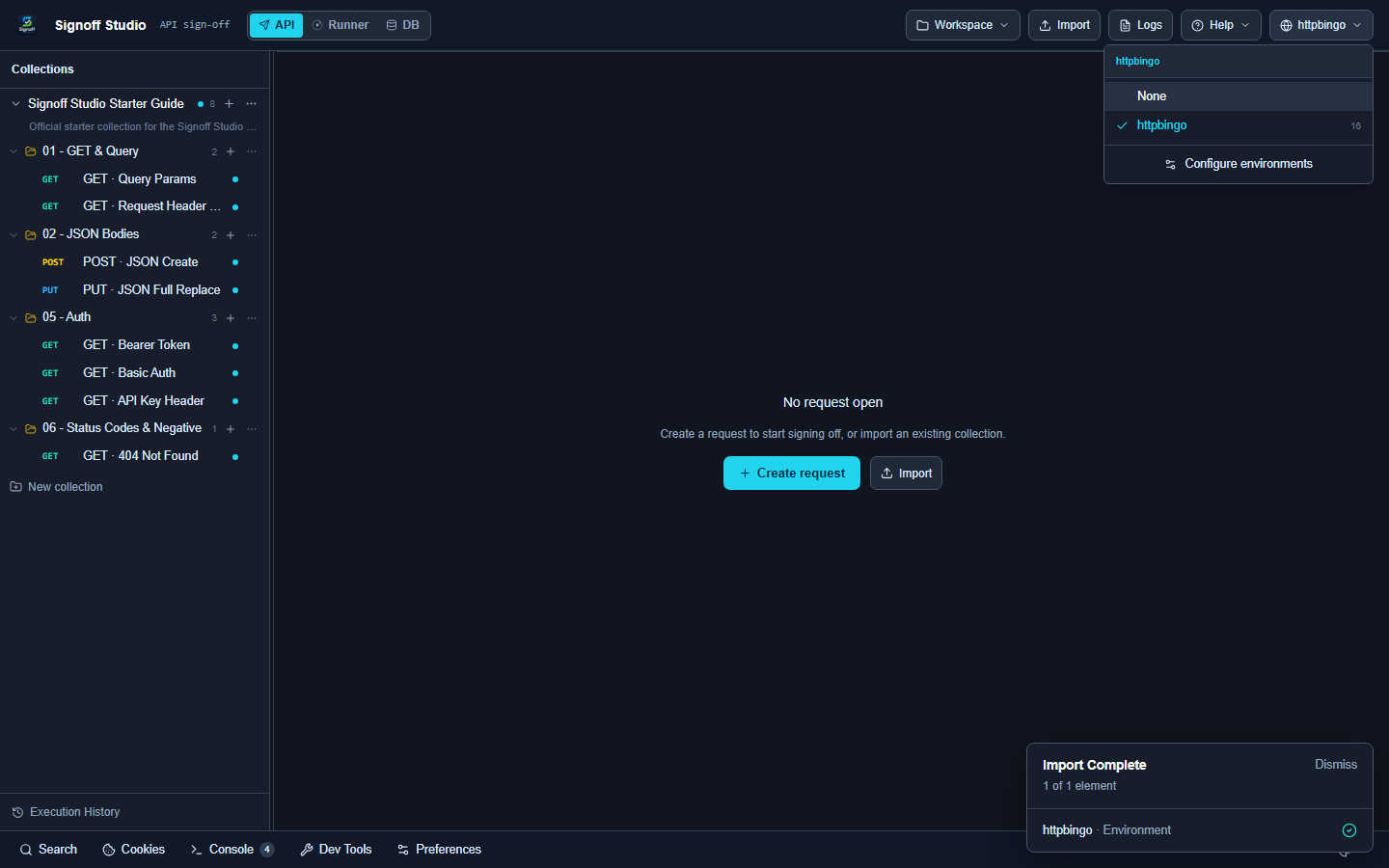
If you see None, variables like
{{baseUrl}}Create or edit
- Open the switcher → Configure environments.
- Click Create environment (or select an existing one).
- Add keys such as
,baseUrl
,bearerToken
.basicUser - Close the page — changes save with your workspace.
Starter Guide environment
The httpbingo env file includes:
| Variable | Example |
|---|---|
| |
| |
| demo token |
| basic-auth fixtures |
| API-key fixtures |
Where variables work
Use
{{variable}}- URL
- Params / headers / body
- Auth fields
Quick browser check
Need a staging vs prod
.envNext
Need something else? See the FAQ. Questions: [email protected]. Bugs: [email protected].